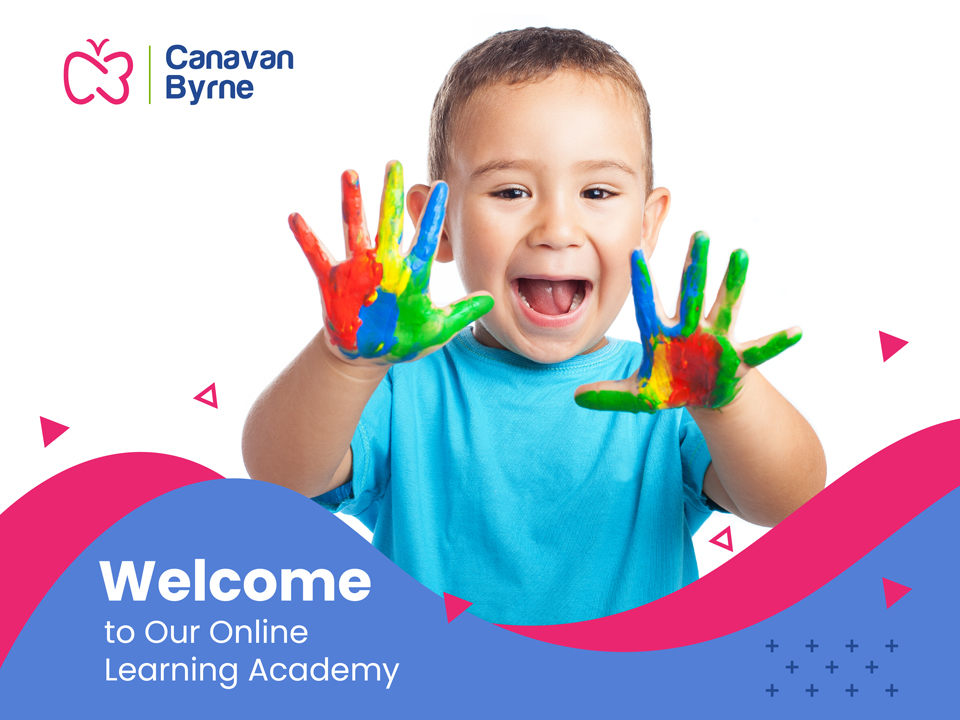
This month, we are delighted to launch a new brochure, which highlights all the exciting features of our Online Learning Academy. This short blog summarizes contents of the brochure.
State of-the-art e-Learning Platform
State of-the-art e-Learning Platform
In October 2021, in partnership with Northpass, a leading US cloud-based learning platform, Canavan Byrne launched a new Online Learning Academy, where you can complete e-Learning courses at any time and from any place. Since then, we have been working hard to bring you the most requested e-learning courses relevant to the early years’ sector. Our new brochure highlights the exciting features of our Online learning Academy.
Features of our Online Learning Academy
The first step required is to Register an Account on our website. If you have not already done so, you can register here: https://www.canavanbyrne.ie/register
You can then purchase the e-Learning courses you require from our website here: https://www.canavanbyrne.ie/training?method=elearning
If you are an owner or manager of an early years’ service, and you wish to assign courses to your staff members, you can do so via the My Account section of our website. Assigning a course is easy: You simply enter your staff members’ name and email address, select the Assign Course to Other button and he or she will receive a link to the course via email. The Assign to Myself button quickly populates fields for you to assign the course to yourself. The good news is that once the course has been assigned, participants have access to the course for one year, so they can complete it in their own time, from any location.
Navigating the Academy
You can then purchase the e-Learning courses you require from our website here: https://www.canavanbyrne.ie/training?method=elearning
If you are an owner or manager of an early years’ service, and you wish to assign courses to your staff members, you can do so via the My Account section of our website. Assigning a course is easy: You simply enter your staff members’ name and email address, select the Assign Course to Other button and he or she will receive a link to the course via email. The Assign to Myself button quickly populates fields for you to assign the course to yourself. The good news is that once the course has been assigned, participants have access to the course for one year, so they can complete it in their own time, from any location.
Navigating the Academy
As the brochure outlines, each course contains instructions that enable you to complete the course successfully. Our interface is simple. However, should you require any assistance, help is always at hand, and you can email reception@canavanbyrne.ie for assistance. At the end of each course, you receive instructions to download your certificate.
New Enhancements
As the brochure explains, we are providing large early years services with monthly plans, giving them unlimited access to our Online Learning Academy. This is a valuable feature for a sector where staff turnover levels are currently high. Our in-house e-Learning team update our courses as new legislation is introduced, meaning that your staff members receive the most recent information.
You can download our e-Learning Academy Brochure below.
You can download our e-Learning Academy Brochure below.
Share this article